Setting Up a Comfortable Home Workspace
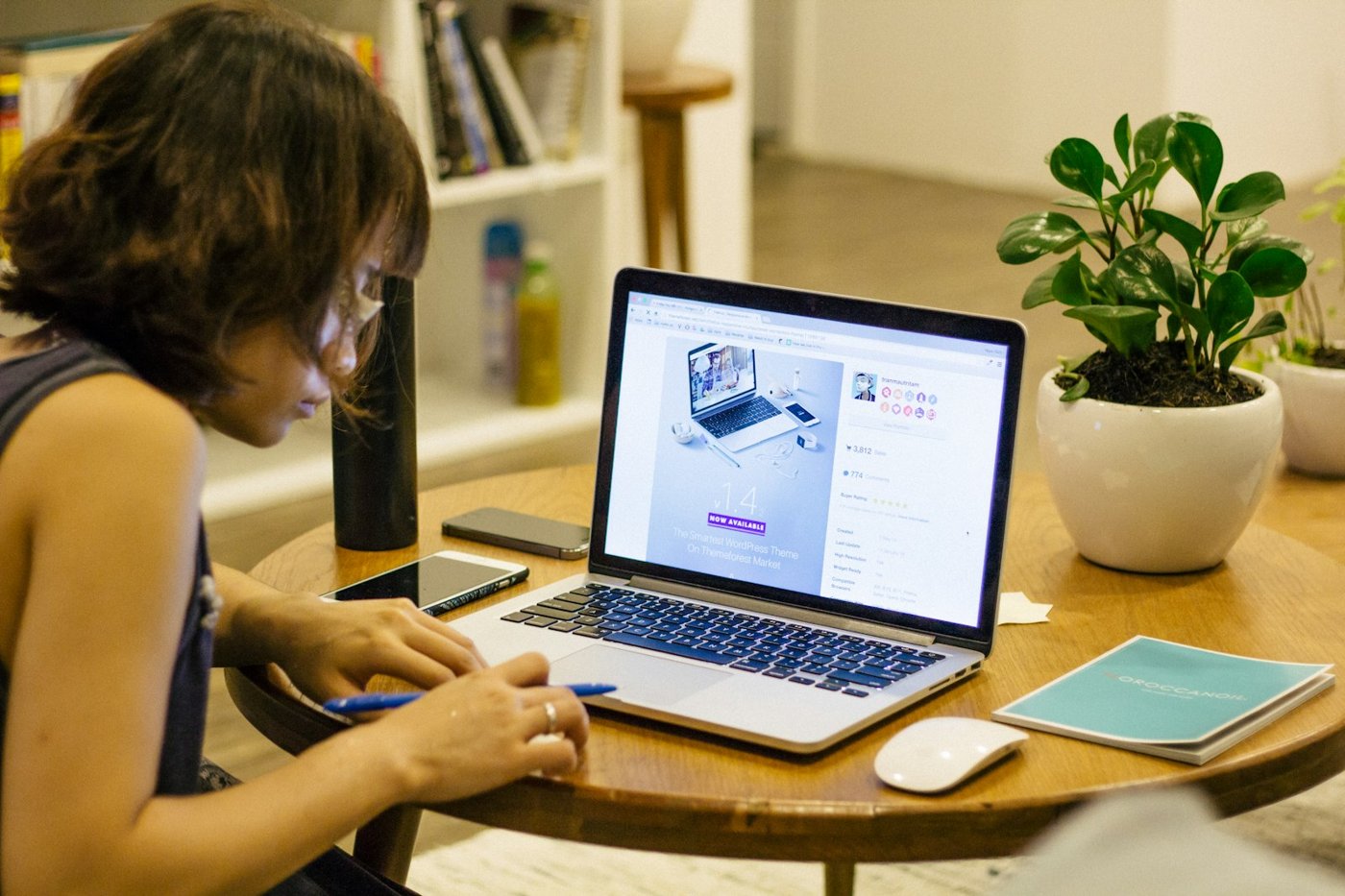
You do not need a separate office to work comfortably at home. A few adjustments to an ordinary table make a big difference.
Set the screen height
The top of your screen should sit at or slightly below eye level, about an arm’s length away. With a laptop, a stand plus a separate keyboard and mouse helps keep your neck straight.
Support your back
- Sit with your feet flat on the floor or on a footrest.
- Keep your knees at about hip height.
- Use a cushion or rolled towel for lower-back support.
- Keep elbows close to your body and wrists straight while typing.
Use good light
Place your desk beside a window rather than facing it or with it behind you, to cut glare. Add a desk lamp for evenings.
Rest your eyes
Follow the 20-20-20 rule: every 20 minutes, look at something 20 feet away for 20 seconds. Stand up and move every half hour or so.
Keep it tidy
Bundle cables with ties, keep a power strip within reach, and wipe down your screen and keyboard regularly with cleaner made for electronics.